 Selling Your Phone Made Easy—Express Shipping Covered for Free!
 Canstar Blue Award Winner 2024 - Best Rated Trade-In Company
 3865+ Google Reviews









Sell iPad for the Highest Price in Australia : Get Paid within 24 Hours
Ready to sell your iPad for a great price? Mobile Guru is the most popular choice for a fast, easy iPad trade in with no hassles. Simply pick your model, get an instant quote, and send it our way with free express shipping. Once we receive and check your device, the payment goes straight to your account within 24 hours.
So, don’t let your iPad sit unused or lose value. Trade in your iPad now with our 100% Australian-owned business and enjoy a seamless upgrade experience. T&Cs Apply.
Sell Your iPad for Cash
in 3 simple steps with Mobile Guru
Step 1
Create 'Sell Order'

Step 2
Post the Device

Step 3
Get Paid in 24 hours
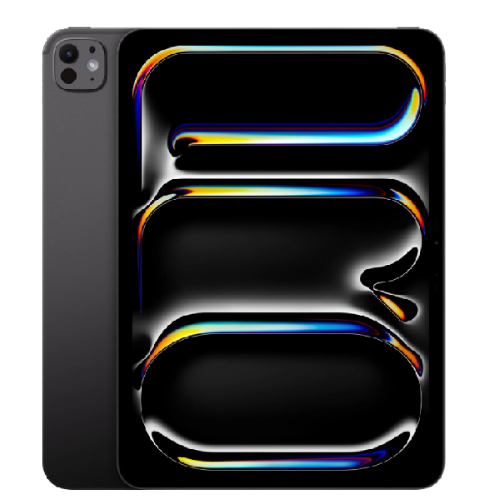
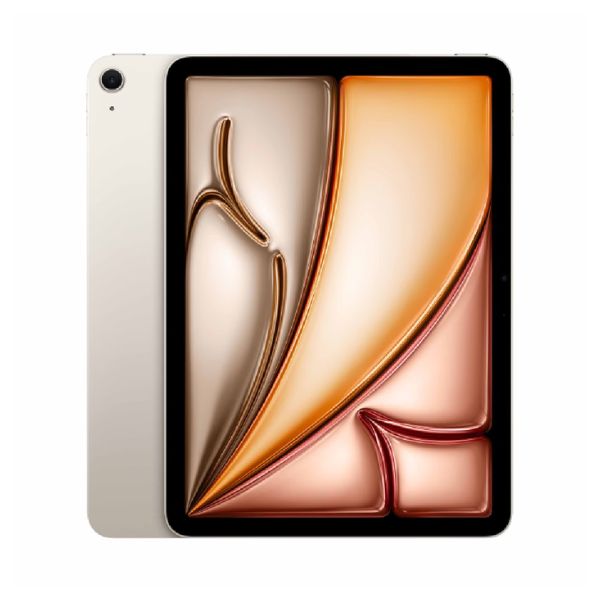
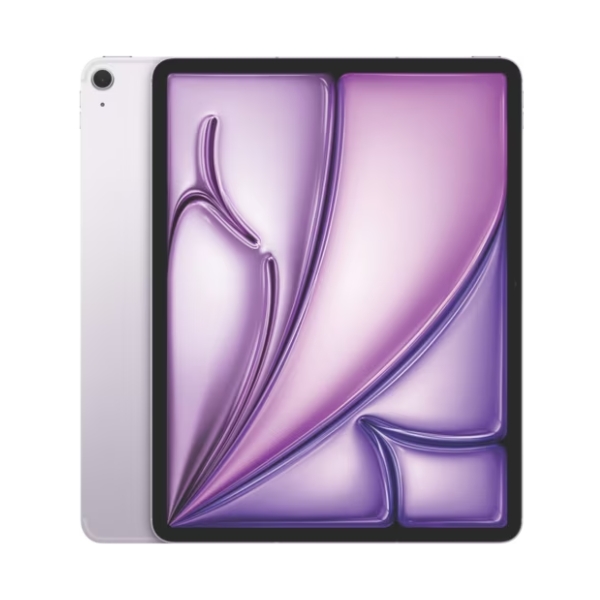
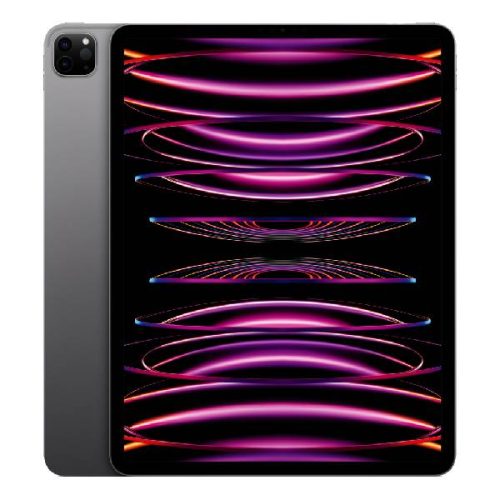
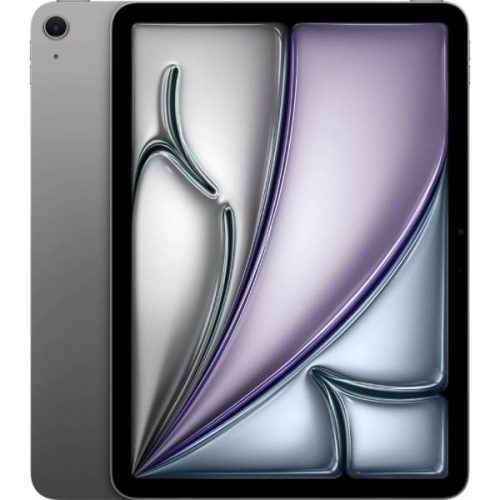
Trade-In or Sell Your Apple iPad: The Smarter Way to Recycle Electronics and Earn Cash
If you’ve got an old or damaged iPad sitting around, it’s probably worth more than you think. Even older models can still have solid trade-in value instead of just collecting dust.
When you sell your iPad to Mobile Guru, you’ll find a simple way to turn your device into cash while helping reduce e-waste across Australia. We refurbish or responsibly recycle every device we receive.
Whether you’re upgrading or just clearing out, the process of selling your iPad online is quick and straightforward. It’s a safe and straightforward alternative to private marketplaces. Get an upfront quote based on your iPad’s model and condition, so you know exactly where you stand before sending it in.
How Do We Grade and Value Your iPad
At Mobile Guru, every iPad is professionally appraised based on five key technical metrics, so that you get the highest possible payout. These factors include:

Screen & Body Integrity
scratches, frame bends, white spots, or dead pixels

Storage & Connectivity
bigger storage, and Wi-Fi vs Cellular models

Display Glass Type
Standard Glass vs premium Nano-Texture options

Core Functionality
battery health, FaceID/TouchID, ports, and cameras
| Accurate Condition = Accurate Price | |
| To get an instant quote, select the condition that best matches your iPad: | |
| Brand New | Factory-sealed in original packaging, never activated, with all genuine accessories and no active leases. |
| Mint | Flawless condition. No scratches, dents, or marks. Works like it’s brand new. |
| Good | Minor signs of daily use (light surface scratches), but 100% fully functional. |
| Fair | Noticeable scratches, minor dings, or scuffs, but still 100% operational. |
| Faulty/Dead | Significant issues such as a cracked screen, broken back glass, or hardware failure. We still pay for the value of the internal salvageable parts. |
How to Sell Your iPad in 3 Simple Steps
Three simple steps. Get paid in 24 Hours. Australia-Wide.
Get an Instant Quote
Find your iPad model via our search bar or category grid. Select the Memory (256GB–2TB), Condition, and Display Glass type (Standard or Nano Texture) for an instant quote. No waiting for emails, and our pricing is live and guaranteed for 14 days once the order is placed.
FREE Express Shipping Australia-Wide
Once your “Sell Order” is created, we send a Free Australia Post Express Label directly to your email. Simply pack your device and choose your preferred method:
- Ship via AusPost Express
- Local Drop-off at South Melbourne office
Lightning-Fast Payout Within 24 Hours
We value your time. Our team completes the inspection the same day your iPad arrives at our Melbourne hub. Once verified, we process your payment via bank transfer within 24 hours.
Top 10 iPad Trade-In Values
Brand New condition · Prices updated regularly · *Max storage capacity
| Most Popular Models | Max Cash Offer* | Condition | Payment Speed |
|---|---|---|---|
| iPad Pro 13″ M4 (Wi-Fi + Cellular) | Up to $1,510 | Brand New | Within 24 Hours |
| iPad Pro 11″ M4 (Wi-Fi + Cellular) | Up to $1,420 | Brand New | Within 24 Hours |
| iPad Pro 13″ M4 (Wi-Fi) | Up to $1,430 | Brand New | Within 24 Hours |
| iPad Pro 11″ M5 (Wi-Fi + Cellular) | Up to $1,700 | Brand New | Within 24 Hours |
| iPad Pro 11″ M4 (Wi-Fi) | Up to $1,260 | Brand New | Within 24 Hours |
| iPad Pro 13″ M5 (Wi-Fi + Cellular) | Up to $1,920 | Brand New | Within 24 Hours |
| iPad Air 13″ M3 (Wi-Fi + Cellular) | Up to $1,140 | Brand New | Within 24 Hours |
| iPad Pro 11″ M5 (Wi-Fi) | Up to $1,520 | Brand New | Within 24 Hours |
| iPad Pro 12.9″ (6th Gen, 2022) Wi-Fi + Cellular | Up to $1,110 | Brand New | Within 24 Hours |
| iPad Air 13″ M3 (Wi-Fi) | Up to $990 | Brand New | Within 24 Hours |
Note: Max cash offer applies to Brand New condition iPads with maximum storage and premium glass options. Final payouts depend on diagnostic inspection of storage, condition, and display type. Payments are processed via Instant Bank Transfer within 24 hours.
What to Do Before You Sell, Give Away, or Trade in Your iPad?
To protect your privacy and ensure your payout is processed without delay, please follow these essential steps before sending your device to our Melbourne centre. These steps align with iOS 26 and all previous versions:
Secure Your Data
Back Up Your Tech: Use iCloud or a computer to save your photos and files. Important: Do not manually delete photos while signed in to iCloud, as this deletes them from iCloud as well. Always back up first.
Deregister iMessage: If you are switching to a non-Apple device, turn off iMessage in your Settings, so you don’t miss future texts.
Check Device Eligibility
Finish Repairs: Go to Settings > General > About to check your Parts and Service History. If you see a “Finish Repair” alert, this must be resolved before we can finalise your trade-in.
Manage AppleCare: Cancel or transfer any active AppleCare plans or alternate care plans to ensure you aren’t billed after the sale.
Sign Out and Factory Reset (Crucial)
Sign Out of iCloud: Follow the steps below based on your iOS version
iOS 26 or later: Settings > [Your Name] > Sign Out > “Erase this Device.”
iOS 18 or earlier: Settings > [Your Name] > Sign Out > Enter Password > “Turn Off.”
Erase All Content: Go to Settings > General > Transfer or Reset iPad and select Erase All Content and Settings.
eSIM Users: If your iPad uses an eSIM, ensure you select “Erase eSIM Profile” during the reset process.
If you want a more detailed guide on how to safely wipe your personal data and prepare your iPad for sale, check out our comprehensive guide: How Do I Wipe My iPad before Selling?
Why Sell Your iPad Pro, Mini, or Air to Mobile Guru?
At Mobile Guru, we have streamlined the refurbishment process to ensure that selling your iPad is as rewarding for you as it is for the planet. Once your device reaches our Melbourne centre, we conduct a professional assessment to prepare it for the second-hand market. This gives other Australians access to premium iPad Pro, Mini, or Air models at an affordable price. If a device has reached the end of its life, we guarantee it is recycled using environmentally responsible methods, preventing harmful e-waste from entering our local ecosystem.
-

Instant Online Quotes
No waiting to check your device’s worth; simply select your model and condition to see your iPad’s value immediately.
-

Free Express Shipping Australia-wide
Enjoy Free Express Post with pre-paid labels provided by us, or visit our Melbourne centre for a local drop-off.
-

Fastest Payouts within 24 Hours
Once your device is inspected and verified, your payment is processed via bank transfer within 24 hours.
-

Transparent Grading
If our assessment differs from yours, we provide a revised offer immediately. You will have full control. If you aren’t happy, we’ll return your device for free.
-

Secure Data Destruction
Every iPad we receive undergoes a professional data wipe to ensure your personal information is permanently erased before refurbishment.
Condition and Eligibility: What We Accept
Check the table below to see if your iPad qualifies for a trade-in. If you aren’t sure, our Melbourne team can provide a manual assessment.
| iPad We Buy | iPad We Cannot Accept |
| Cosmetic Wear: Scratches, dents, or scuffs. | Locked Devices: iCloud, Activation, or MDM locked. |
| Damaged Displays: Cracked screens or broken back glass. | Stolen/Lost: Devices reported to police or network blacklisted. |
| Battery Issues: Worn batteries or devices that won’t hold a charge. | Finance Disputes: Devices with active, unpaid finance or ownership flags. |
| Older Models: Fully functional legacy iPads for recycling value. | Liquid Damage: Triggered LCIs (Liquid Contact Indicators). |
| Dead/Faulty: Devices that won’t power on (valued for salvageable parts). | Counterfeit: Non-genuine Apple hardware or shell replacements. |
Ready to Turn Your iPad into Cash?
Whether you are looking to sell an iPhone, a Samsung mobile, or an iPad, we’ve got a variety of options for you to select from. At Mobile Guru, we make the process of selling your old device simple and rewarding. Our local team is here to guide you every step of the way, ensuring you get a fair price and a stress-free experience.
Don’t let your old iPad go to waste. Get your instant quote online today! You can email us at [email protected] for further enquiries.